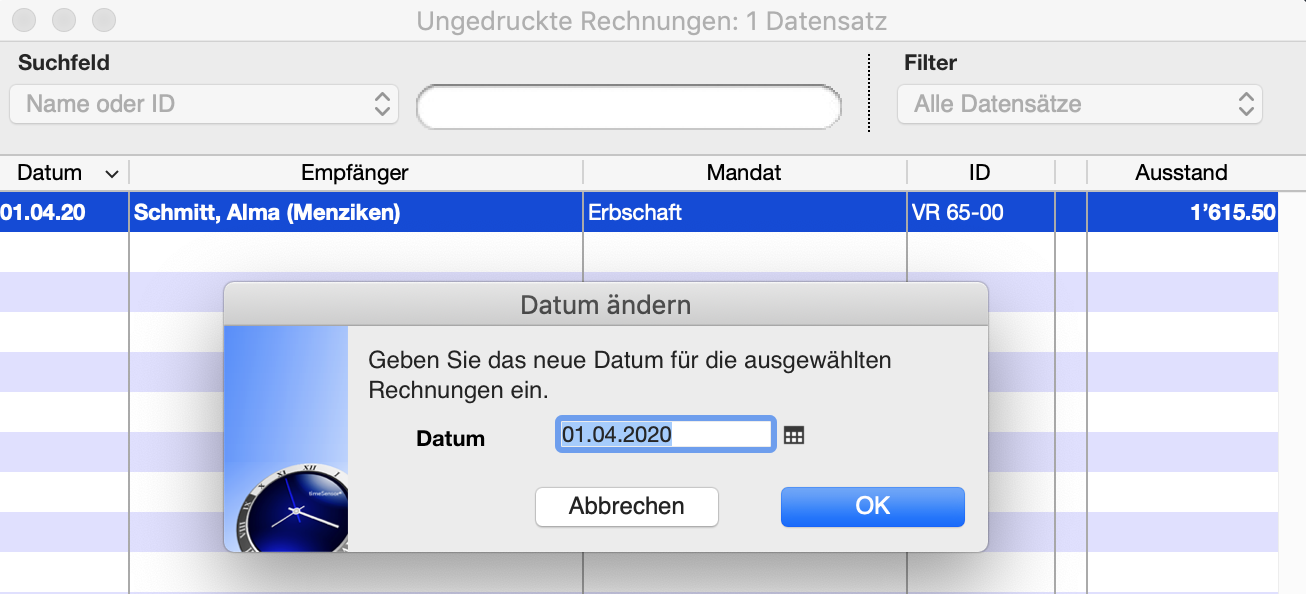
How do I update the invoice date of unprinted invoices?
If you create an invoice with timeSensor LEGAL, it initially remains in the list of unprinted invoices . timeSensor LEGAL itself can also automatically create invoices and these also appear in the unprinted invoices . If you do not print these invoices straight away, but leave them lying around for a few days, it makes sense to update the date to the print date before printing the invoice. You can do this on the one hand in the open invoice data record by unlocking the invoice by clicking on the small lock and then entering the desired invoice date in the action menu next to the date. But it is even easier directly in the list of unprinted invoices . Select the invoices whose date you want to update and choose the Adjust ..., Set Invoice Date command from the Tools menu. You can easily pre-date or back-date any invoice.